Connect Your Website with LINE

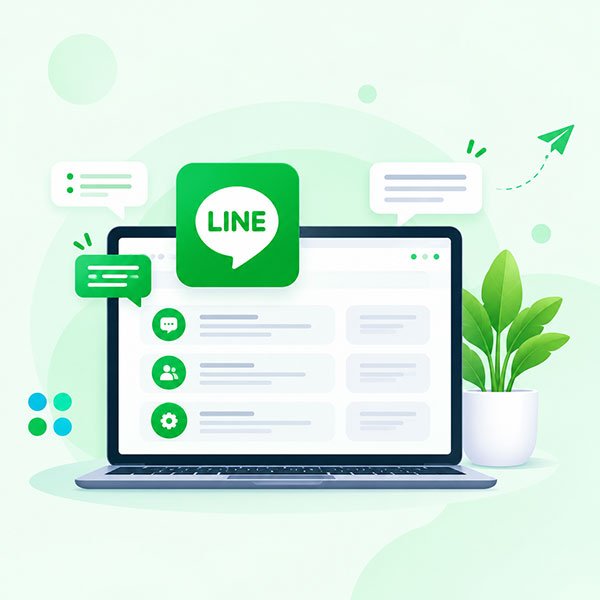
Enhance customer engagement and streamline communication by integrating LINE into your existing web application. Provide real-time support, notifications and a seamless user experience.

Line-Integration-img1
Introduction
Integrating LINE messenger with your business

Integrating LINE messenger with your business enhances communication, customer support, and engagement through one of Asia’s most popular messaging platforms. By incorporating LINE into your operations, you can offer your customers a more interactive, secure, and efficient communication experience. This integration leverages various APIs and features LINE provides to create a seamless and effective communication channel.

LINE API Integration with Existing Web Applications

E-commerce Businesses

Integrate LINE with your e-commerce website to send order confirmations, shipping notifications, delivery updates, and customer support messages.

Service Provider

A service provider (e.g., a travel agency) can use WhatsApp to communicate itinerary details, updates, and answer customer queries.

Healthcare

A healthcare provider can use WhatsApp to schedule appointments, send reminders, and provide consultation support.

Education

Educational institutions can use LINE integration to send course updates, announcements, reminders, and important notifications to students.

Why Choose
LINE messenger?

Widespread Popularity

LINE is widely used in several key markets, particularly in Japan, Taiwan, Thailand, and Indonesia. Integrating LINE allows you to connect with a broad and engaged audience.

Multi-Channel Communication

Engage with customers through various channels, including text messages, voice calls, and video calls, all within the LINE app.

Enhanced Customer Experience with Rich Media

Share images, videos, and documents to provide a more interactive and engaging customer experience.

Seamless Integration

Integrate LINE with your existing CRM, ERP, or customer support systems for a streamlined communication workflow.

Enhanced Customer Experience with Interactive Features

Use LINE’s unique features like stickers, emojis, and custom bots to create a more personalised interaction.

Automation

Set up automated responses, notifications, and updates to handle routine tasks efficiently.

Secure Communication

Benefit from LINE’s strong security measures, including encryption and secure data handling, to ensure customer privacy and data protection.

Analytics and Insights

Access analytics and reporting tools to monitor performance, track customer interactions, and gain valuable insights into customer behaviour.

Steps to Integrate LINE Official Account

01

Set Up Your LINE Official Account

Start by creating and verifying your LINE Official Account to gain access to the API and management tools.

02

Integrate with Your Systems

Technical Setup: Implement the LINE API to connect with your existing systems, such as CRM or support platforms.
Customization: Tailor the integration to meet your specific needs, including message templates, automated workflows, and response systems.

03

Configure Messaging and Automation

Message Workflows: Design and configure automated messaging workflows for customer support, notifications, and updates.
Bot Development: Develop and deploy chatbots to handle common inquiries and provide instant assistance.

04

Launch and Monitor

Deployment: Launch the integration on your website or app and ensure it functions smoothly.
Monitoring: Continuously monitor interactions and performance to ensure optimal operation and address any issues promptly.
Let’s Build Something Amazing Together

Have a project in mind? Let’s discuss how we can help you achieve your business goals with modern software solutions.